Tags
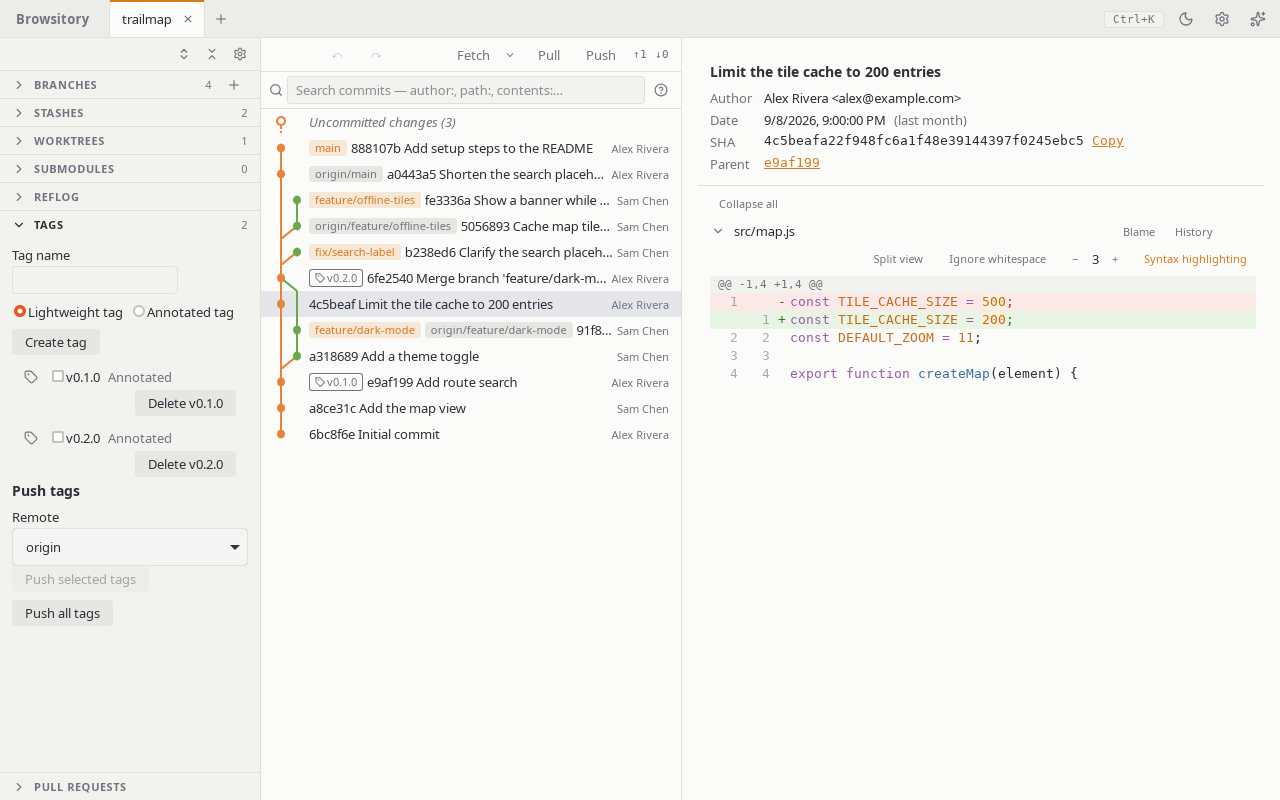
Open Tags in the sidebar to create lightweight or annotated tags and delete local ones. To share tags, pick the remote under Push tags, tick the tags you want and choose Push selected tags, or choose Push all tags.
Tags also appear as outlined badges (with a tag icon) on commit rows in the graph, file history and search results. Right-click a badge in the graph to push that tag to a remote, check out its commit (detached), or delete the local tag. The Tags panel remains the keyboard path for pushing and deleting tags; Check out tag … (detached) in the command palette checks out a tag's commit.