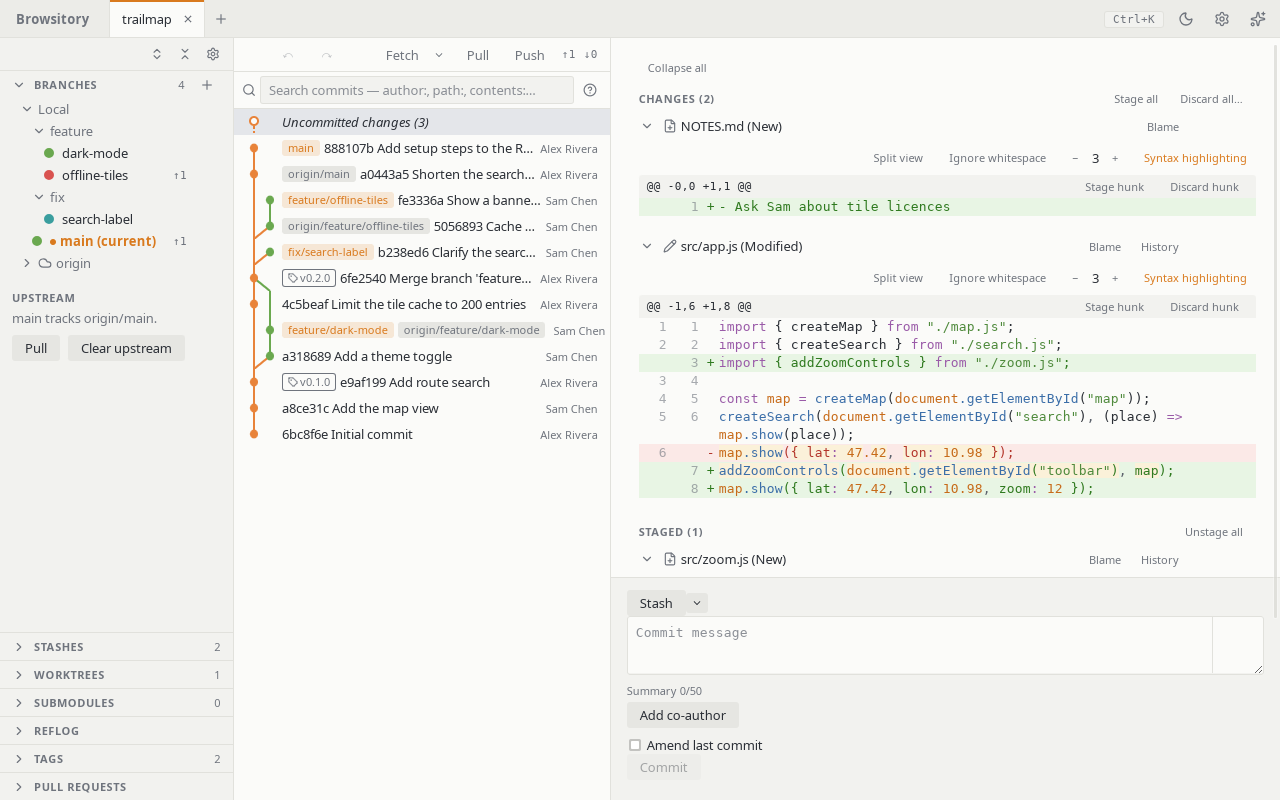
The main window
Once a repository is open, the window has three columns:
- the sidebar, with the sections Branches, Stashes, Worktrees, Submodules, Reflog, Tags and Pull requests. Branches is open at first; the others start closed.
- the commit graph: your history, newest first, with Uncommitted changes at the top.
- the diff pane on the right: your working tree, or the commit you selected.
Drag the dividers between the columns to resize them. Double-click a divider to collapse the sidebar. With a divider focused, the arrow keys resize too. In a narrow window the sidebar collapses by itself.
Sidebar sections. Click a section's header to open or close it. The buttons at the top of the sidebar open every section (Expand all sections) or close them all (Collapse all sections). The gear button there lists every section except Branches with a switch, so you can hide the ones a project doesn't use.
Header. The top row holds the repository tabs (see Multiple repositories) and, on the right:
- Ctrl+K (⌘K on macOS) reminds you of the command palette shortcut.
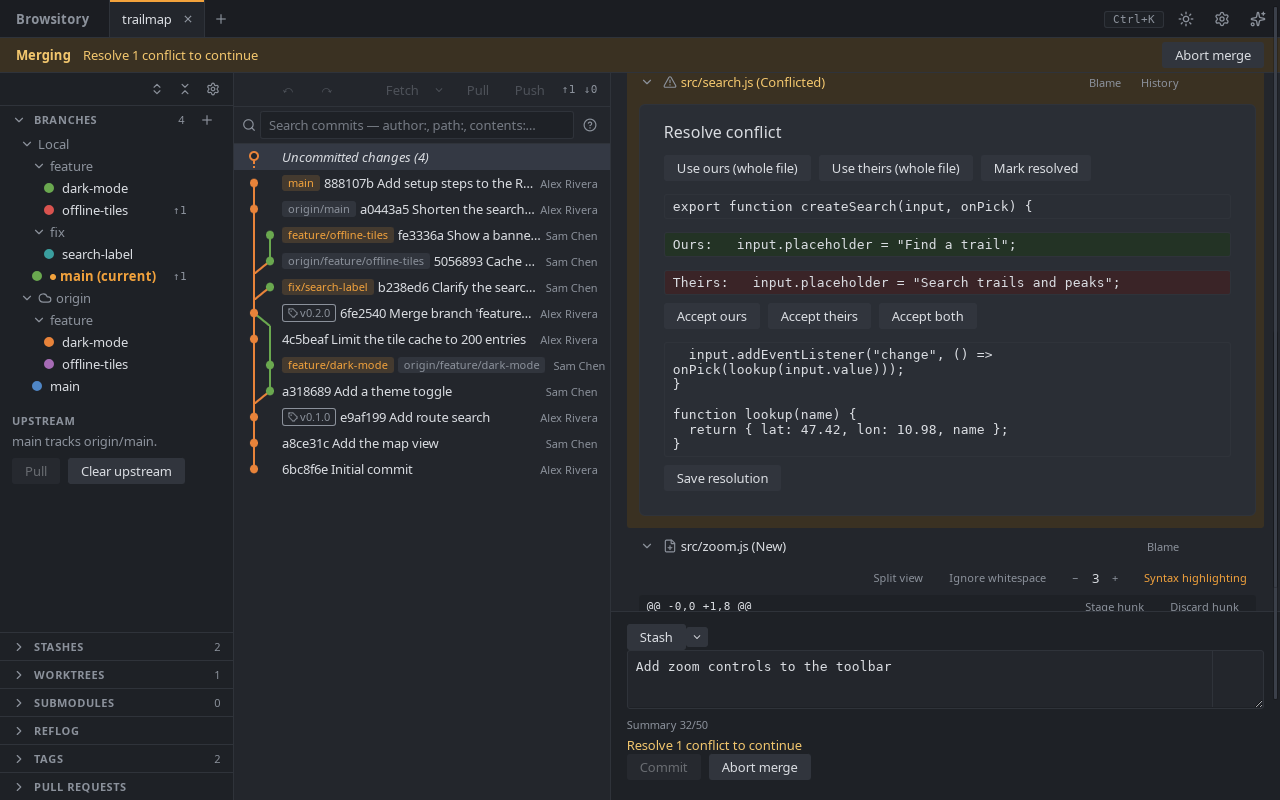
- The moon or sun button switches between the light and dark theme (Switch to dark theme / Switch to light theme). Browsitory remembers your choice. Until you pick one, it follows your system's setting.
- The gear button opens Preferences: the commit message settings, and your editor, terminal and diff tools (see External tools).
- The sparkle button (What's new) opens the Release notes: what changed in each version. They also open by themselves the first time you start a new version. User guide at the bottom opens this guide in your browser.
Updates (desktop app). Browsitory checks for a new version when it starts and every six hours, and downloads it in the background. When it is ready, a banner says "Update v… ready". Click Restart to update to install it, or keep working: nothing changes until you restart. The VSCode extension updates through VSCode instead.
The dark theme: